What Is Aura Chat?
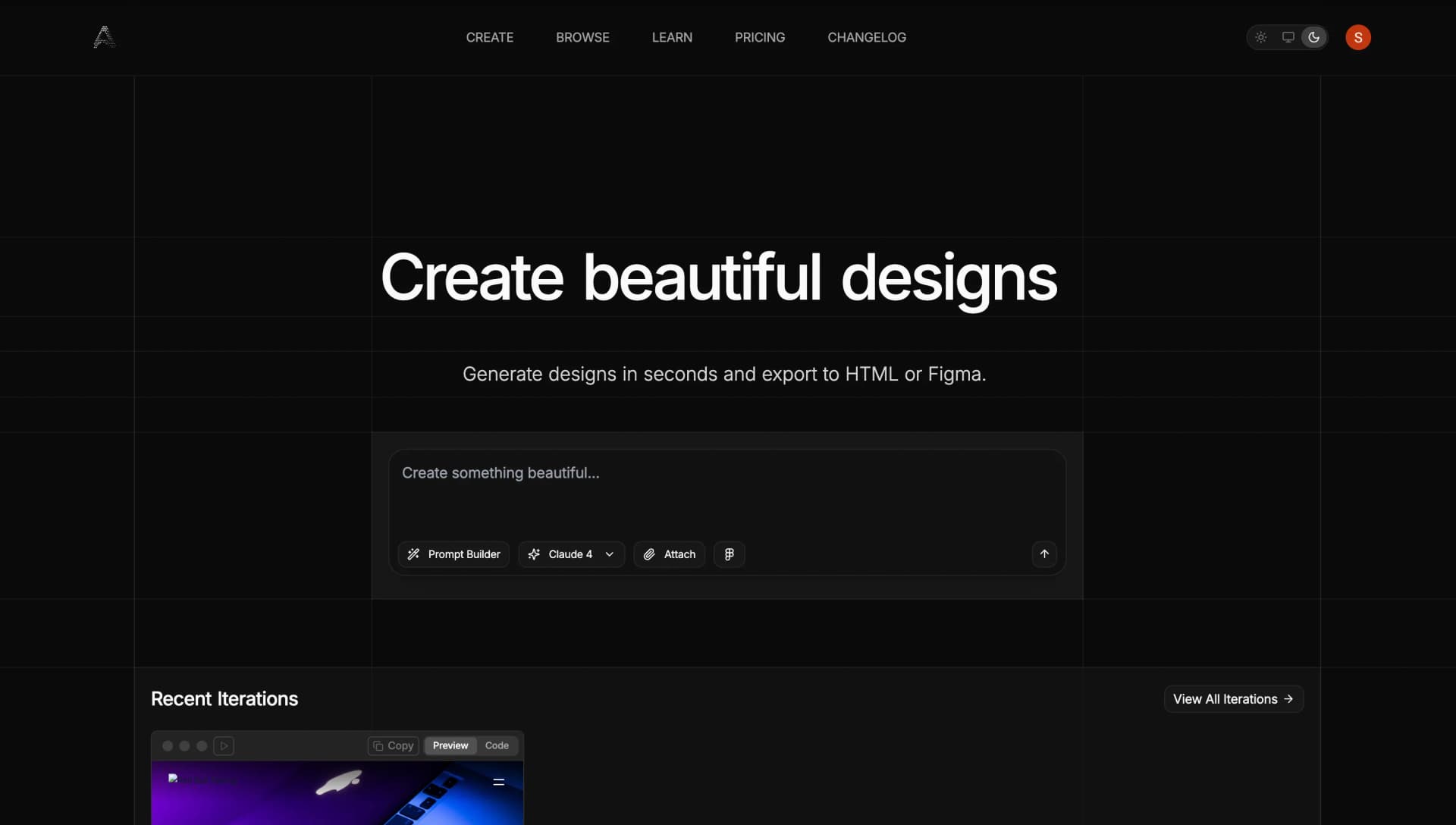
Aura Chat (at aurachat.io) is a groundbreaking AI-powered design assistant and code editor combined into a conversational interface. Built with access to top-tier models such as GPT-4.1, Claude 3.7/4, and Gemini Pro, Aura allows users to: (The tool is written both ways — AuraChat and Aura Chat — and you'll also see it called an aura AI prompt tool; it's the same product either way.)
- Generate UI designs from natural-language prompts
- Convert images and screens into responsive HTML/Tailwind CSS
- Seamlessly import and export designs to Figma
- Switch between visual design mode and code mode with live previews
It works across desktop and Mac apps, includes voice-to-text, offline support, and integrates with your development flow via API keys.
Why Use Aura for Design?
- Speed & Efficiency — turn ideas into polished UI in minutes, no manual coding required.
- Versatility for all skills — useful for seasoned UI/UX designers, developers, and non-designers who need professional visuals.
- Seamless Figma integration — import frames, refine in Aura, send back with organized layers and styles intact.
- Image-to-code magic — convert static mockups or screenshots into clean, responsive HTML and Tailwind code.
- Flexible workflow modes — switch between visual canvas and Tailwind code editing, with live rendering.
How Designers Can Use Aura
1. Start with a Prompt
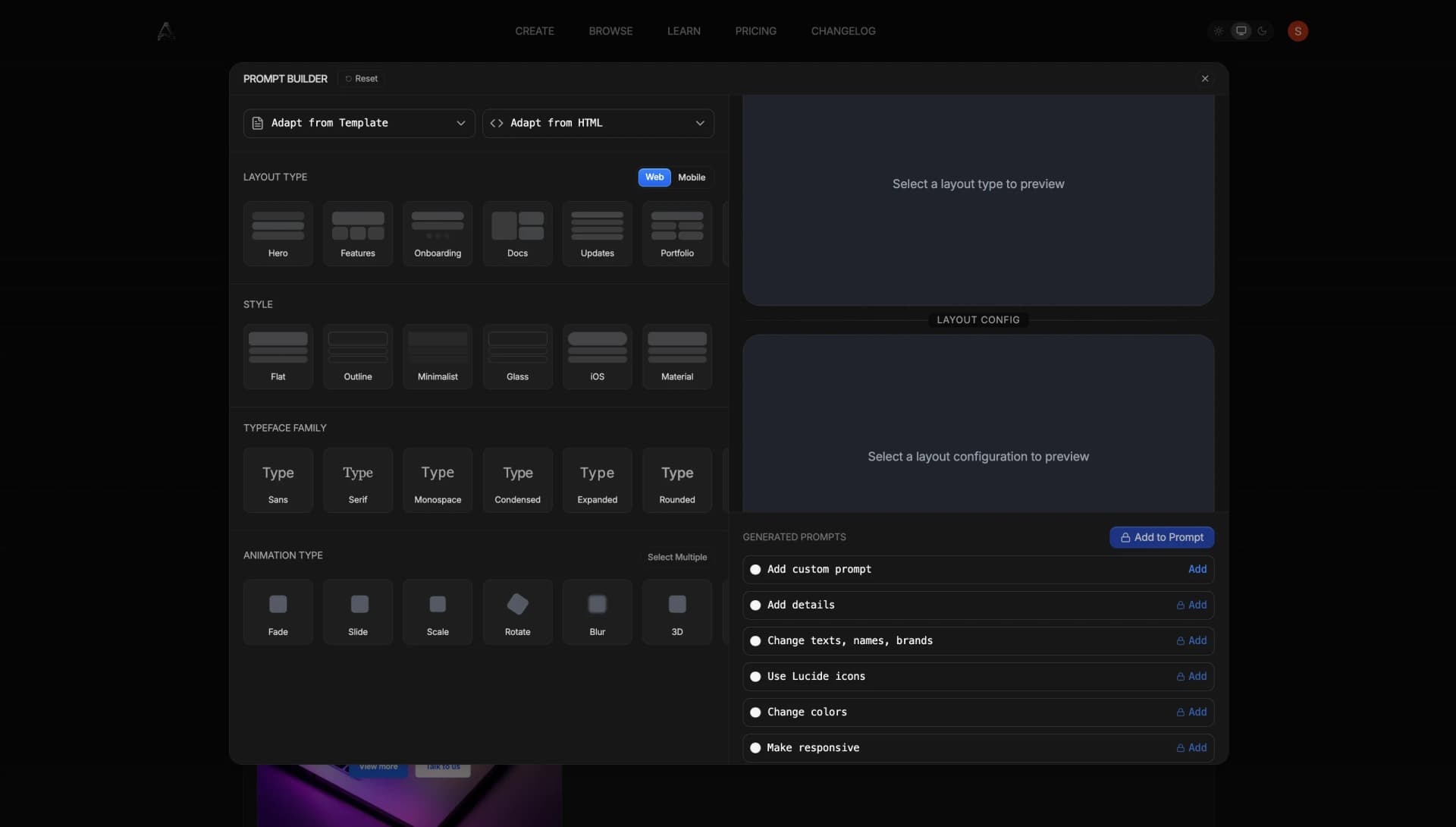
Enter a natural-language request: "Generate a responsive dashboard header with logo, nav links, user avatar, and dark theme." Aura produces a clean HTML/CSS snippet ready to refine.
2. Visual Plus Code Editing
Use Design Mode for layout adjustments, and Code Mode to tweak Tailwind classes. Live preview shows changes instantly.
3. Integrate with Figma
Import existing frames, enhance them with AI, then export back. All layers, icons, fonts, and spacing are preserved.
4. Convert Images
Upload a mockup or screenshot and Aura generates responsive code that matches the design — ideal for reviving legacy designs.
5. Voice-Driven Interaction
With voice-to-text, you can verbally guide Aura: "Add hover animation to button, use primary green, adjust spacing." Great for hands-free brain dumps during creative sessions.
Benefits for Designers
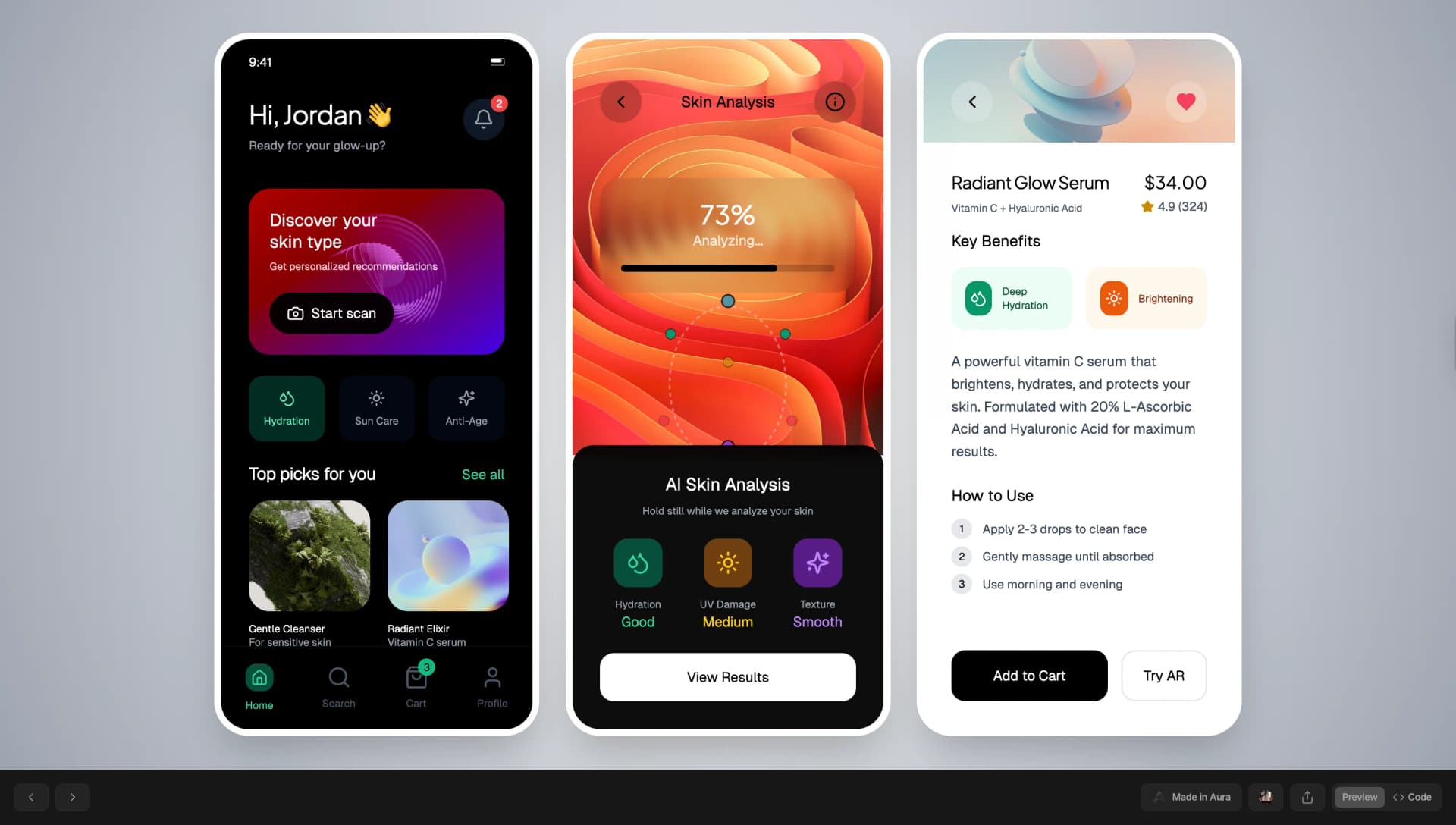
- Iteration-friendly — fast tweaks without redoing from scratch
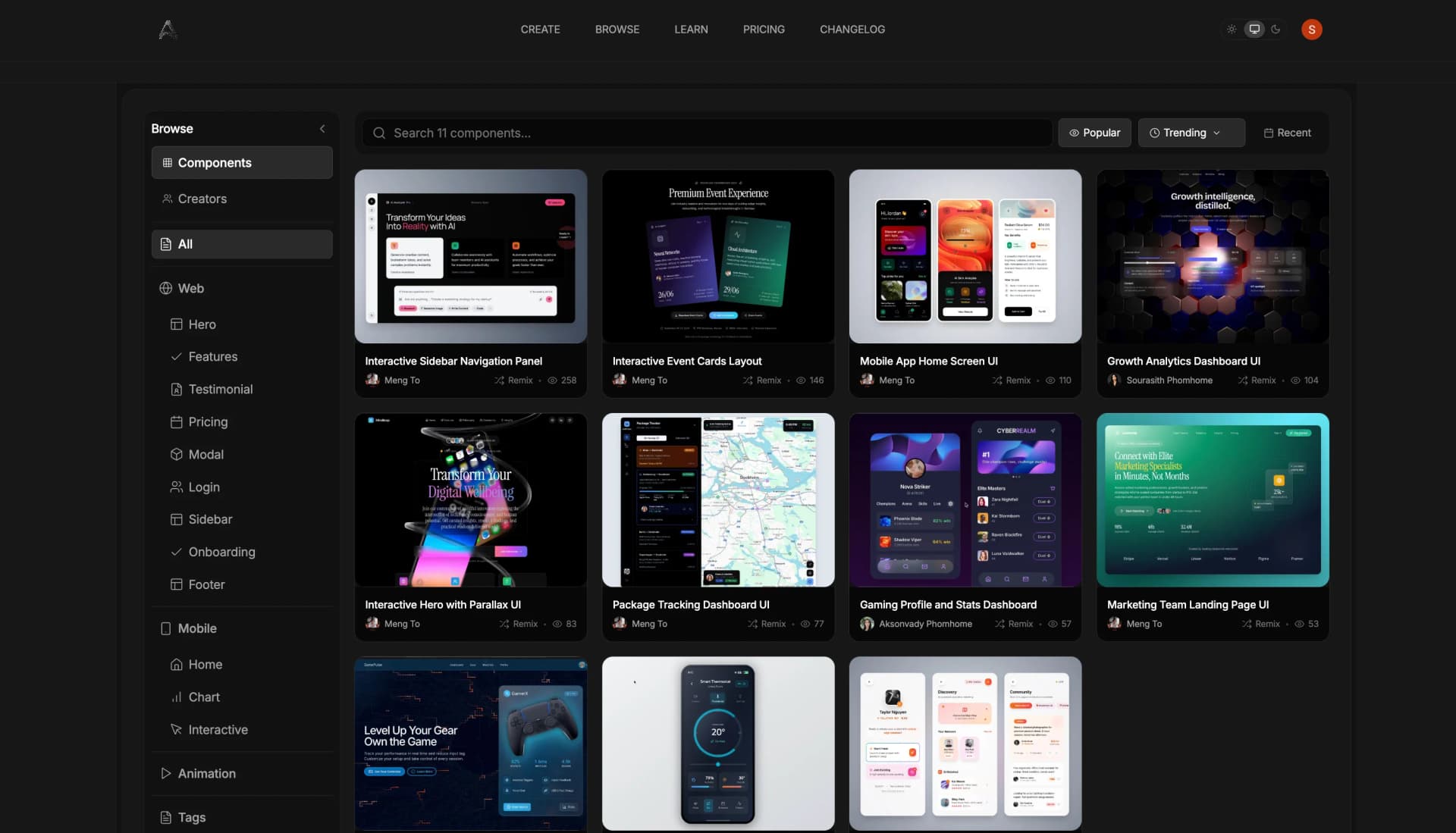
- Consistency — prompt history helps recreate styles and components
- Collaboration-ready — export clean HTML/React snippets for engineers
- Accessibility & structure — built-in support for semantic layouts and ARIA compliance
Conclusion: Why Aura Matters
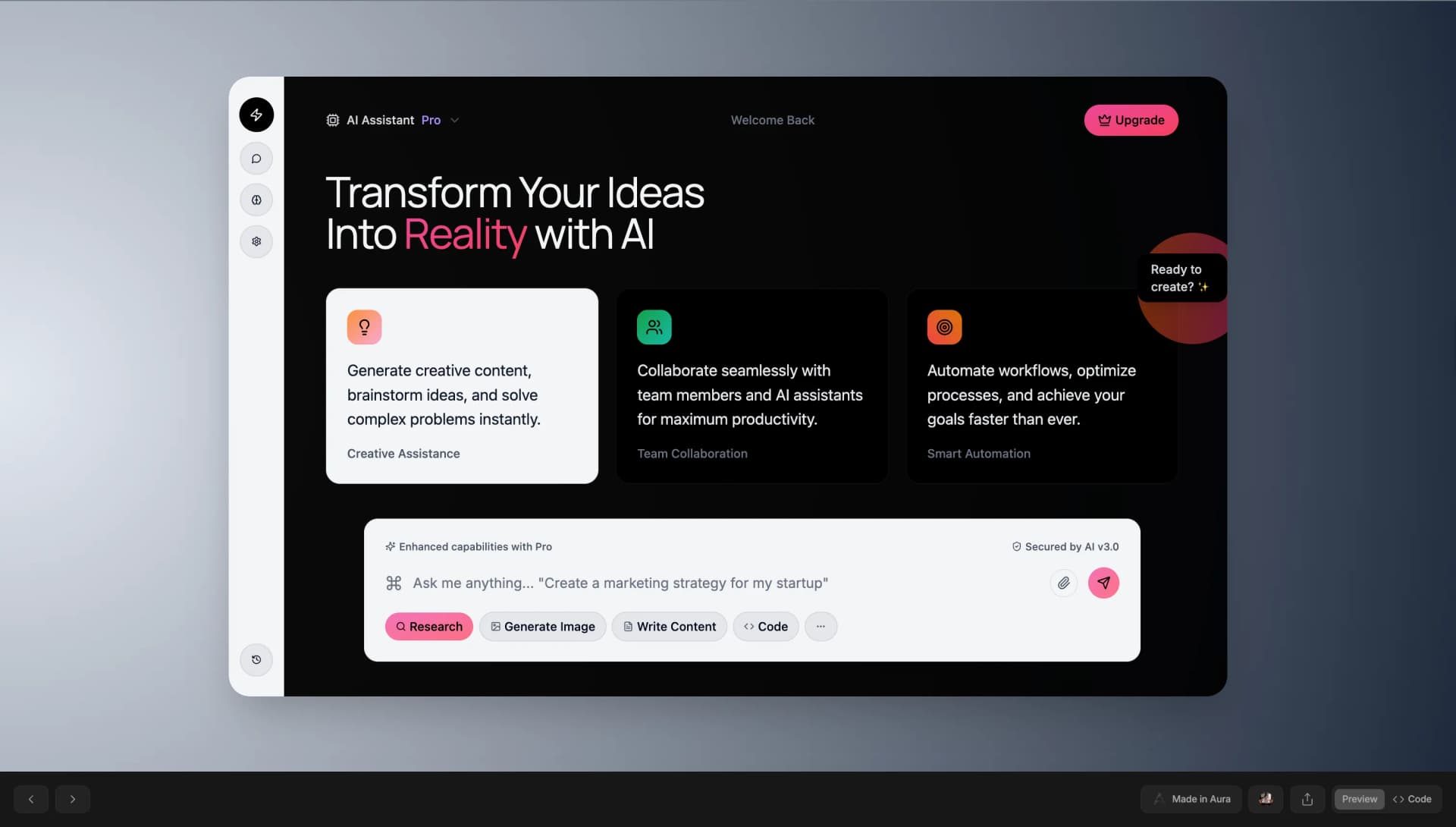
Aura Chat bridges the gap between design and development. It frees designers and developers from repetitive work, enabling them to focus on creativity, brand consistency, and rapid iteration. Whether you're speeding up prototyping, handling Figma handoffs, or converting legacy assets, Aura supercharges your workflow.
Try Aura today, craft a simple prompt, explore both Design and Code modes — and see how responsive, handoff-ready UI can emerge almost instantly.