Cloud AI assistants sit in someone else's data center, behind someone else's API key, wrapped in someone else's safety scaffolding. They answer your questions well and occasionally surprise you. But they rarely *do* anything for you. They do not open your browser, triage your inbox, text your landlord, or monitor your bank account for duplicate charges while you sleep. When you close the tab, they stop existing.
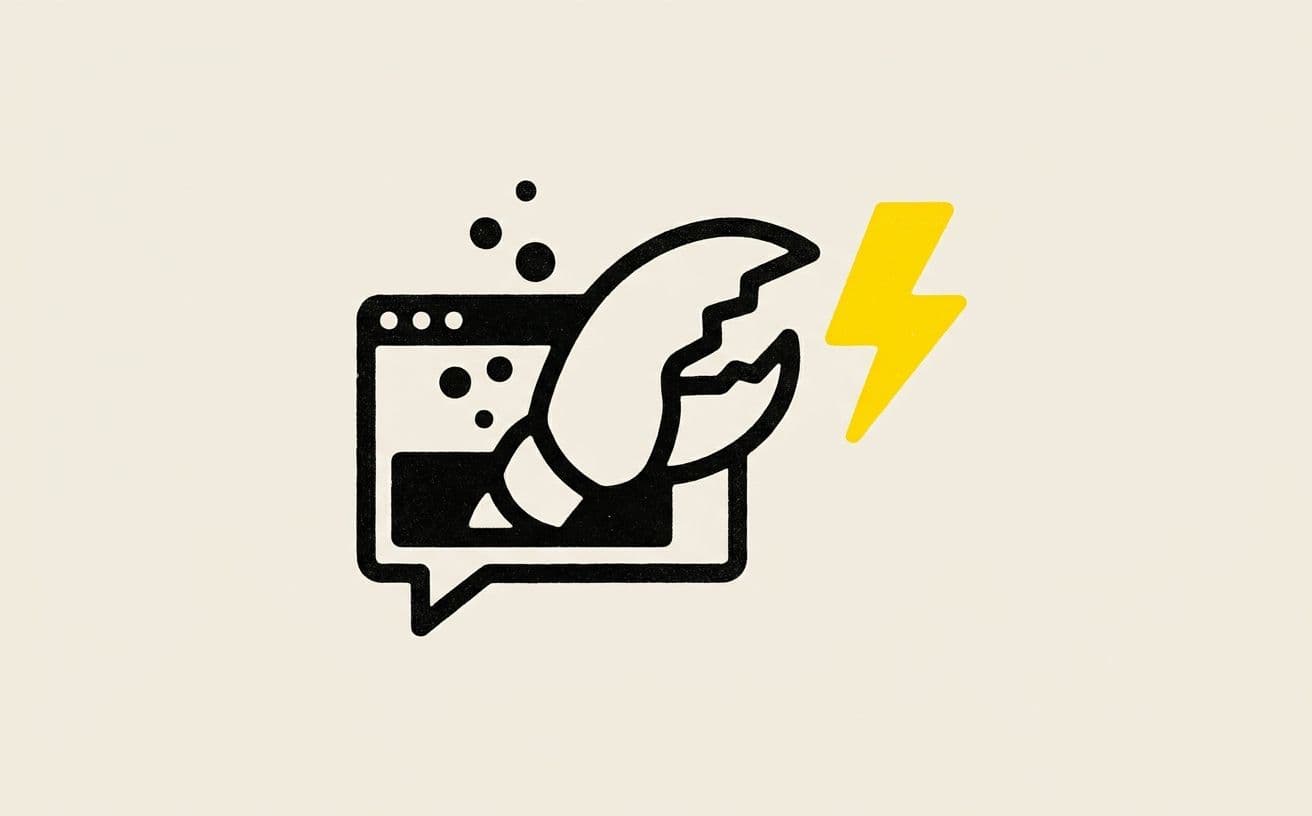
OpenClaw is a different bet. It is an open-source personal AI assistant that runs on your own machine, talks to you through the chat apps you already use — WhatsApp, Telegram, Discord, Signal, iMessage — and carries actual capabilities: a browser, a file system, a shell, a memory that persists across sessions, and a plugin system the community extends daily. It positions itself plainly: "The AI that actually does things."
This post is a deep look at what OpenClaw is, how it works architecturally, what it can and cannot do, and why we think it represents a real shift in how personal AI will be built and owned over the next three years.
Who Built It and Why
OpenClaw was started by Peter Steinberger (better known as @steipete) — a well-regarded iOS developer who built PSPDFKit and has been shipping open-source software for over a decade. The project became independent and explicitly unaffiliated with any AI lab. Steinberger later joined OpenAI in early 2026, but OpenClaw itself continues as a community-maintained open-source project, MIT-licensed and entirely under user control.
The motivation is old-school indie software: give individuals the same kind of leverage corporations already have. A Fortune 500 company can afford a team to build bespoke internal automations. A solo founder, a busy parent, a small-team CEO cannot. OpenClaw compresses that gap by letting one person — with no code — assemble an assistant that behaves like a staff of three juniors.
The Core Shift: From Answers to Actions
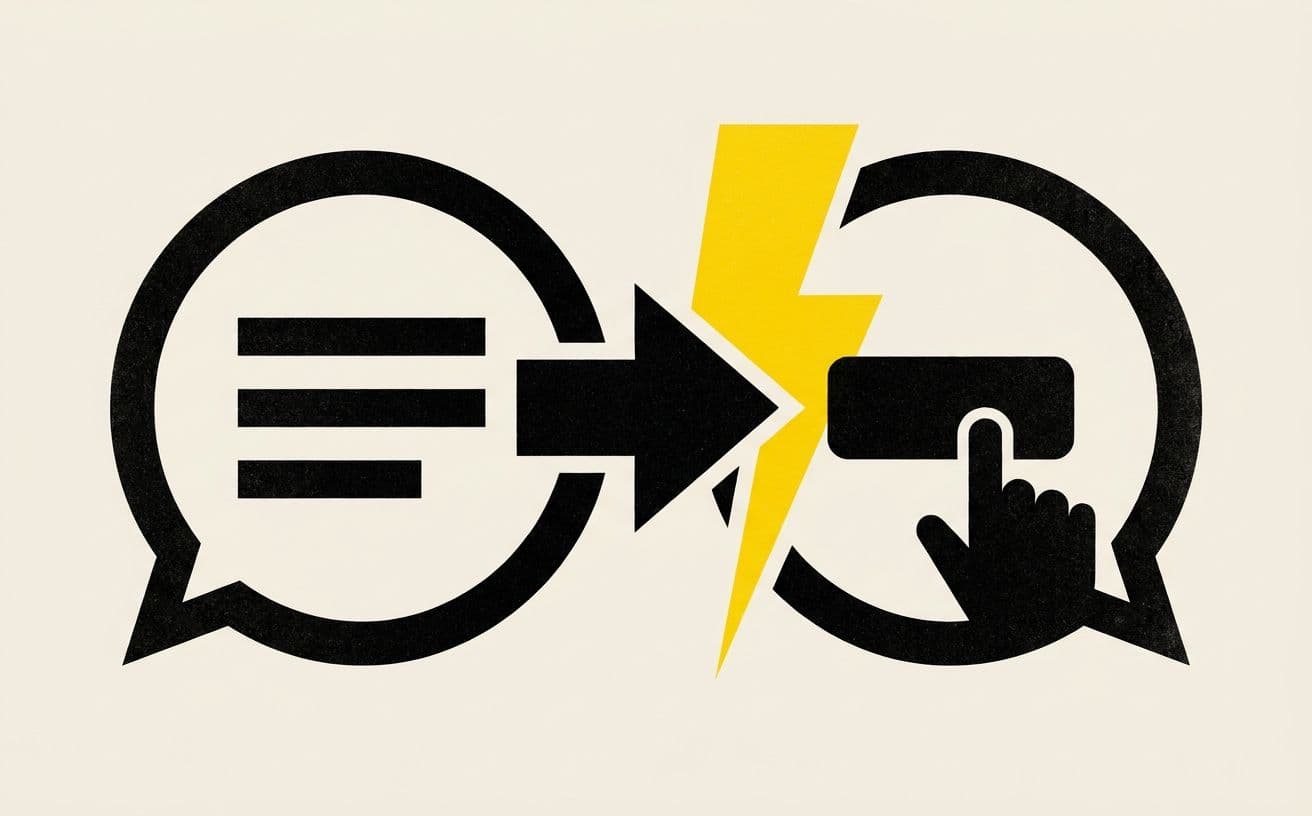
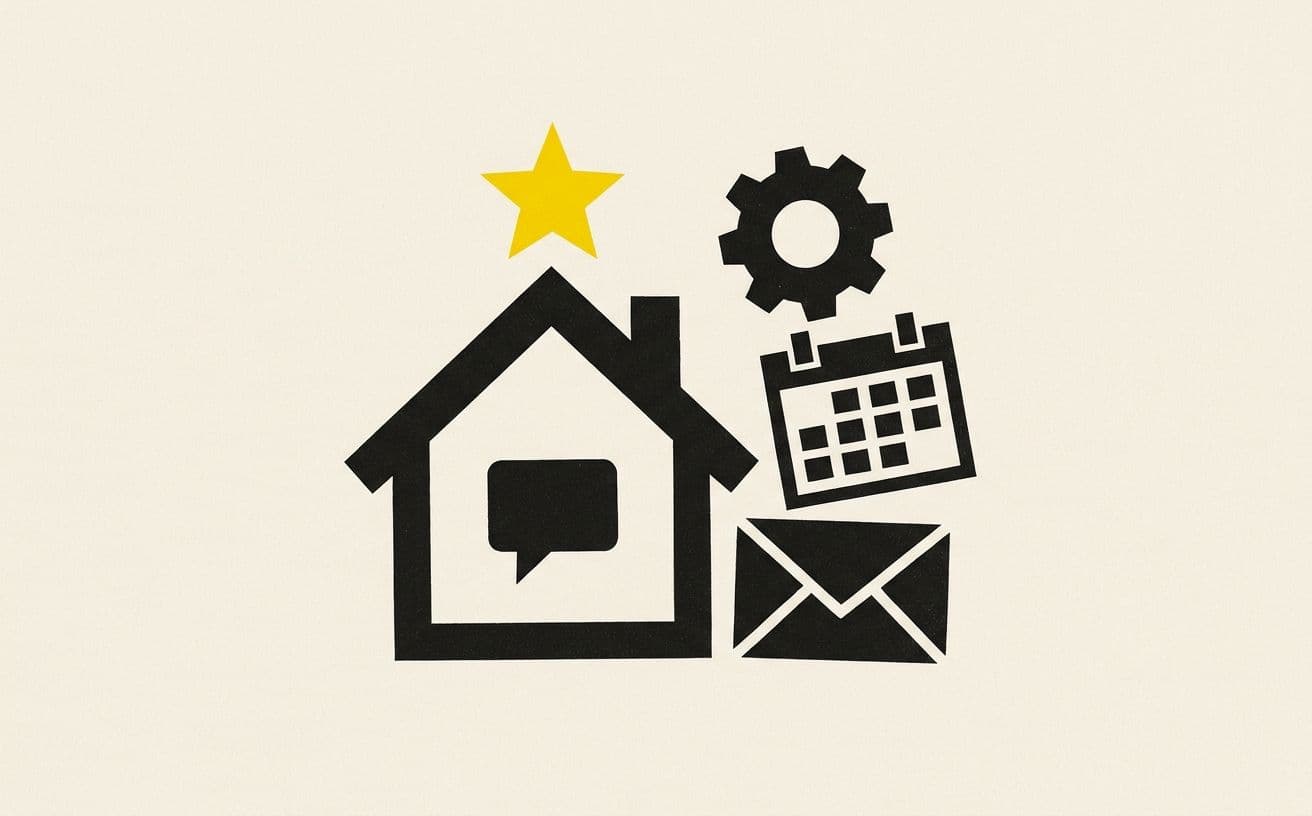
Today's best chatbots are brilliant at generating text. They will explain Kubernetes, rewrite your cover letter, and sketch a business plan in thirty seconds. What they will not do is click the apply button, send the letter, and calendar the follow-up.
OpenClaw collapses that gap. The assistant lives as a daemon on your machine, and when you message it — "hey, check me in for my flight and add the seat confirmation to my calendar" — it opens a browser, navigates to the airline site, logs in using your stored credentials, completes the check-in, and pastes the confirmation into your calendar. All reported back in the same WhatsApp thread where you asked.
The difference is architectural, not just prompt-engineered. Cloud assistants cannot touch your machine. OpenClaw *is* your machine.
Architecture in Plain English
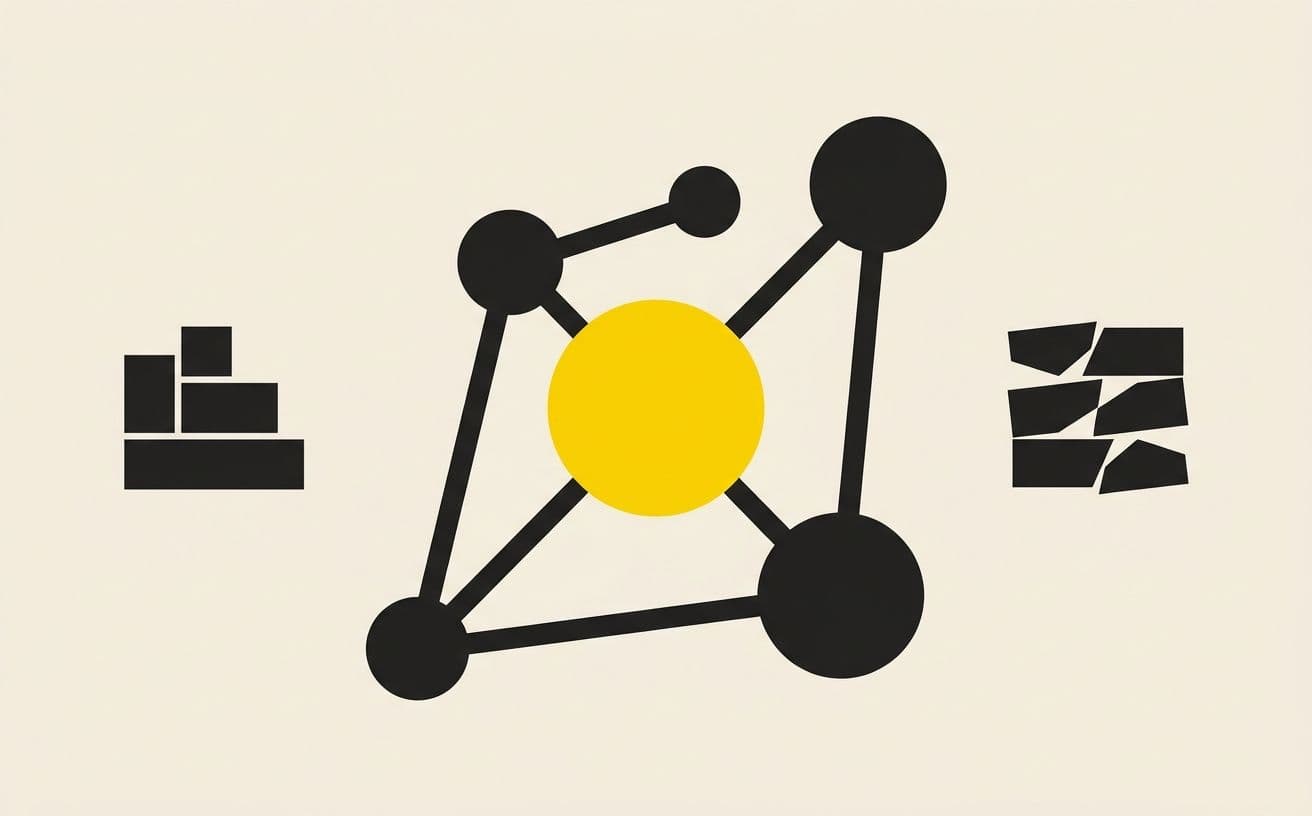
Under the hood, OpenClaw runs three coordinated parts on your laptop or desktop:
- A daemon that handles message routing. It watches your chat apps for incoming messages, feeds them to the model, then executes whatever tools the model asks for.
- A model layer that can use any model you like — Claude, GPT, Gemini, or a local model via Ollama or LM Studio. You supply the API key; nothing goes through OpenClaw's servers because OpenClaw has no servers.
- A skills system — the plugin layer. Skills are small Python, JavaScript, or shell scripts that expose new tools to the agent. Dozens are built-in (browser, filesystem, cron, email); the community adds more constantly, and the agent can write its own.
When you message the assistant, the daemon sends the message plus the current skill roster to the model. The model chooses which skills to invoke, with what arguments, and the daemon executes those calls against your local system. Results flow back to the model, which either continues planning or replies to you. This is the same agent loop that Claude Code, Cursor, and other coding agents use — but generalised from "edit this codebase" to "do anything on my computer."
Chat-First, Not UI-First
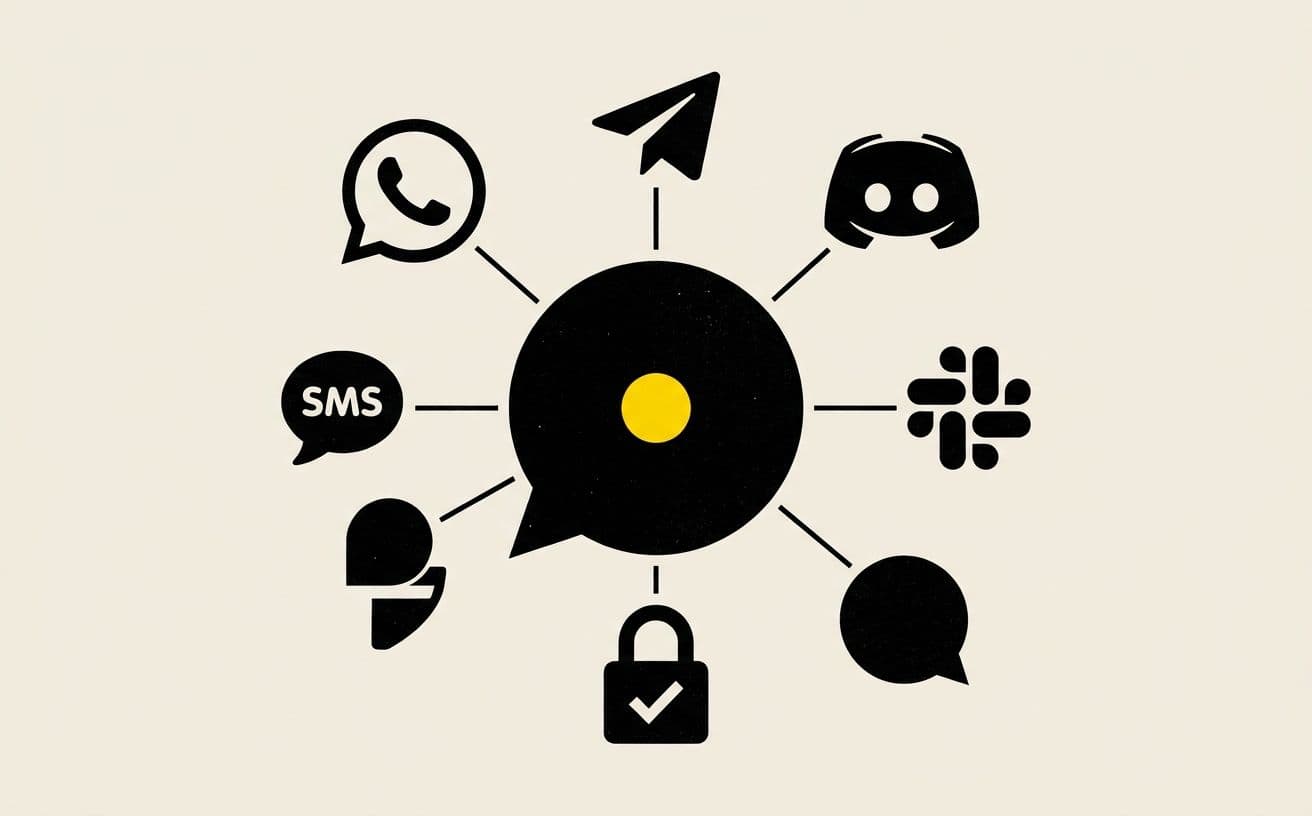
The product decision that makes OpenClaw stick is that there is no app to open. Its interface is whichever chat you already live in. For most people that is WhatsApp or Telegram; for developer teams it is Discord or Slack; for iMessage-native users, iMessage. The assistant is just another contact. You pin it. You message it. It messages you back. It can also *proactively* message you — cron-driven, on conditions, or when something it's watching changes. "Your landlord's rent cheque cleared. I also paid your utility bill; the receipt is in your Obsidian."
This design choice does two things nothing else does. First, it keeps your adoption cost at zero — you do not learn a new app. Second, it lets the assistant work across the blurred boundary of work and life, because your messaging app already lives across both.
What It Can Actually Do — Real Examples
The best way to understand OpenClaw is to see the shape of tasks people actually hand to it. None of what follows is hypothetical; these patterns appear in the community showcase the project runs.
- Inbox triage at scale. One user described handing 10,000+ unread emails to the agent and having it sort, summarise, and draft replies over a long weekend. RAG-based email assistants had been grinding on the same backlog for days and quitting.
- Browser automation without code. Flight check-ins, concert ticket retries, form filling, data extraction from sites that have no public API. Because the browser is a skill, anything a human can click, the agent can click.
- Autonomous code work. Engineers connect OpenClaw to their project and have it run test suites, propose PRs, and report failures every few iterations — essentially a self-hosted Devin, running overnight on machines they already own.
- Multi-agent operations. People clone the daemon to spin up "armies" of specialised agents — one for DMs, one monitoring Twitter, one processing Stripe webhooks, one writing content — coordinating through a shared Discord server.
- Daily-life automation. Weather checks, meditation timers, grocery ordering, health-metric tracking, spending reviews, reminder systems that know what season of life you are in.
The recurring theme is that OpenClaw is not one assistant — it is a substrate on which you assemble an assistant that matches your life. The same codebase becomes a different product for different people.
The Skills Ecosystem
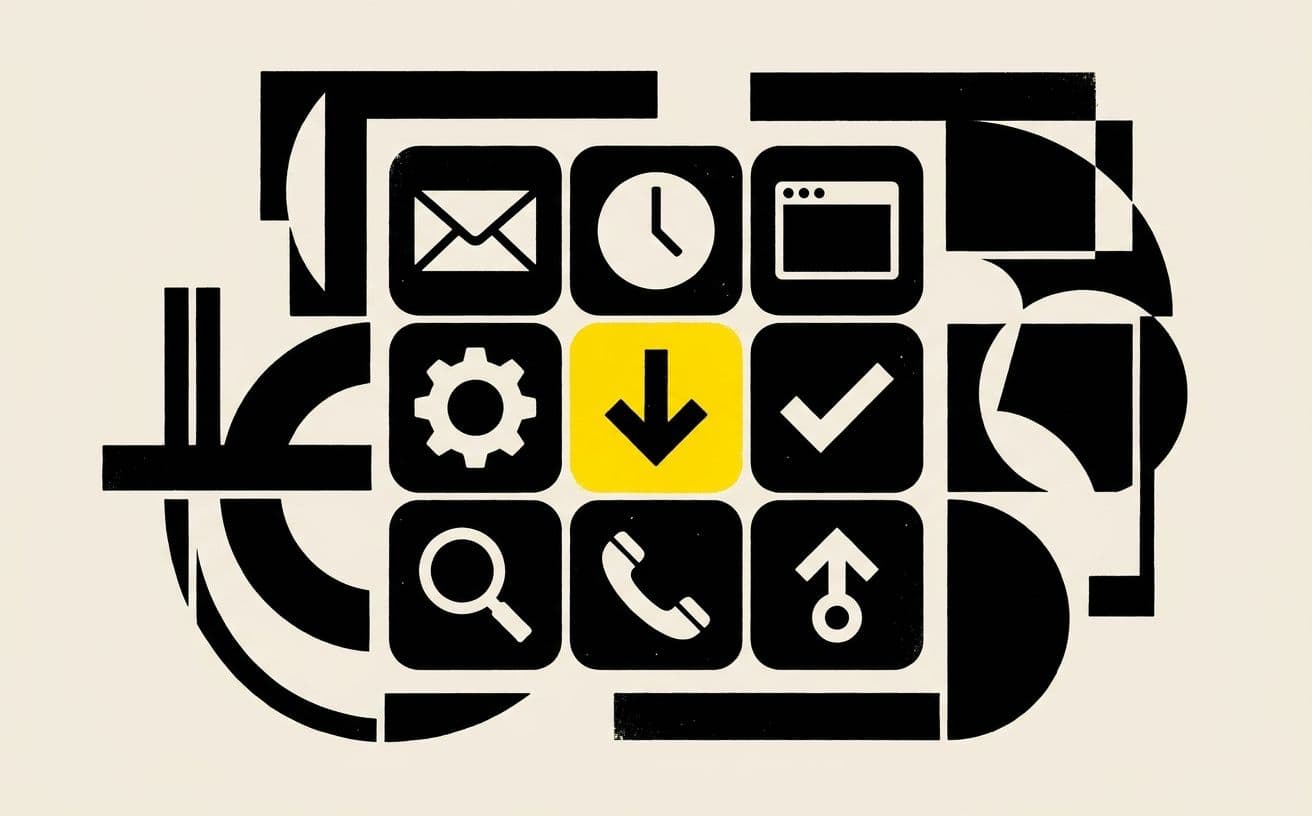
Skills are what take OpenClaw from demo to daily driver. A skill is a small script — often under 100 lines — that describes a capability in a format the model can read, and implements it in code the daemon can call. Examples already in circulation:
- email-triage — reads, groups, and summarises unread messages
- calendar-sync — reads Google Calendar and writes new events from a chat description
- obsidian-note — creates or appends to your Obsidian vault
- todoist-inbox — captures tasks with due dates inferred from natural language
- home-automation — turns Philips Hue lights on/off conditionally, adjusts Nest temperature
- elevenlabs-voice — speaks replies aloud via text-to-speech for phone-call style interactions
The community-built shape matters. It means you are not locked into what the original authors thought was useful; the long tail of capabilities is filled in by users. It also means OpenClaw's rate of growth is a function of how many skills the community writes, not how fast one team ships.
The Tradeoffs Nobody Should Skip
OpenClaw is young. Its weaknesses are worth naming honestly.
- Setup is technical. The one-liner npm install is fast, but debugging a misconfigured skill or fixing a daemon that is not responding requires command-line comfort. This is not an app-store install.
- You supply your own model keys. Pay-as-you-go OpenAI or Anthropic API costs apply; typical light-use bills land between ₹500 and ₹2000 a month. Heavy browser-automation workloads can go higher.
- It runs where your machine is awake. If your laptop is closed, your assistant is closed. Users with 24/7 needs deploy it to a small VPS, which adds cost and complexity.
- Security boundaries are your responsibility. With file and shell access, a bad skill could misbehave. OpenClaw provides sandboxing options, but the onus to configure them is on you.
- The project is young — breaking changes happen. If you commit to OpenClaw today, expect to read release notes and occasionally patch skills.
OpenClaw is where Linux was in 1995 — intoxicating to the right users, still rough for the mainstream, and obviously the future for a slice of the market nobody else was serving.
Why This Signals Where AI Is Going
The loud story in AI right now is frontier models. The quiet story is architecture. Five years ago, personal AI meant "an app that talks to a cloud model." OpenClaw represents a different axis: the assistant is local, the capabilities are pluggable, the interface is ambient (chat), and the whole thing is owned by the user rather than rented from a provider.
Apple's Siri cannot do any of this because Apple cannot hand you shell access on your phone. OpenAI's ChatGPT cannot do it because ChatGPT is a product, not a daemon. Only a local-first, open-source project can be this ambitious about what the assistant is allowed to touch — because only then can the blast radius stay on your own machine.
We expect this pattern to mainstream. The first wave will be technical users assembling highly personalised rigs — the email-triage crowd, the automation crowd, the indie-hacker crowd. The second wave will be consumer tools wrapping OpenClaw-style primitives in friendlier packaging. The third wave will be enterprise: small teams running shared assistants on their own infrastructure, with policy controls and observability.
How to Try OpenClaw
Installation has three tiers, all free:
- One-liner npm install — automated, fastest path for technical users. Drops a working daemon on your machine in about five minutes.
- Hackable git install — full source, for users who want to modify the codebase or write their own skills from day one.
- macOS companion app (beta) — menu-bar utility for Mac 15+ users who prefer a GUI wrapper around the daemon.
Our recommendation for most developers: start with the one-liner, wire it into Telegram (easiest chat bridge to set up), enable the browser and email skills, and ask it to schedule something trivial — a weekly reminder, a daily news summary. Once you see the first action happen from a message, the model clicks. From there, you start writing your own skills.

Where SocialScript Fits In
We spend our days building custom websites, applications, and SEO systems for clients — increasingly the kind of SEO that gets you cited by AI answer engines like ChatGPT and Google AI Overviews, not just ranked on classic Google. Increasingly, the right answer for a client's operational problem is not "build them a web app" but "wire up an agent." A marketing team drowning in lead emails does not need a CRM; it needs an agent that reads, classifies, and drafts replies into Gmail. A small law firm does not need a case-management SaaS; it needs an assistant that files, tracks, and reminds.
OpenClaw sits nicely in that toolbox. For engagements that call for it, we will deploy and configure OpenClaw-powered agents alongside the Next.js sites and Webflow pages we already build. If you are curious whether your workflow would benefit from an agent, the answer is almost always yes — and the question is just where to start.
The One-Line Verdict
OpenClaw is the strongest argument we have seen that personal AI should live on your machine, under your keys, in the apps you already use. It is rough in the way early tools always are, and it asks more technical commitment than a consumer app. It is also the closest thing to the "AI that does things" that the next five years of product marketing will be selling. You can start using it today, for free, and the moat is the skills you write yourself.
Try it at openclaw.ai. Start small, message an agent about something trivial, and watch what happens when AI stops talking and starts acting.