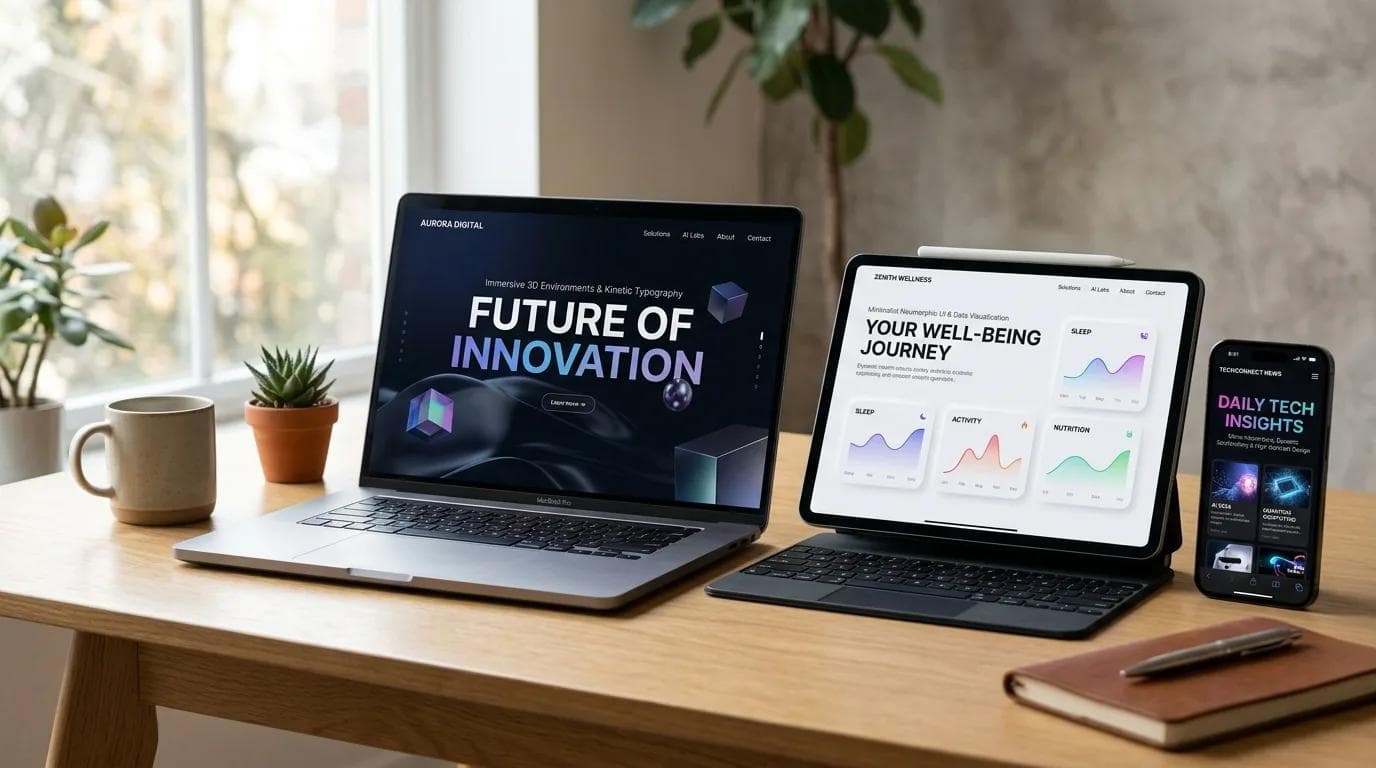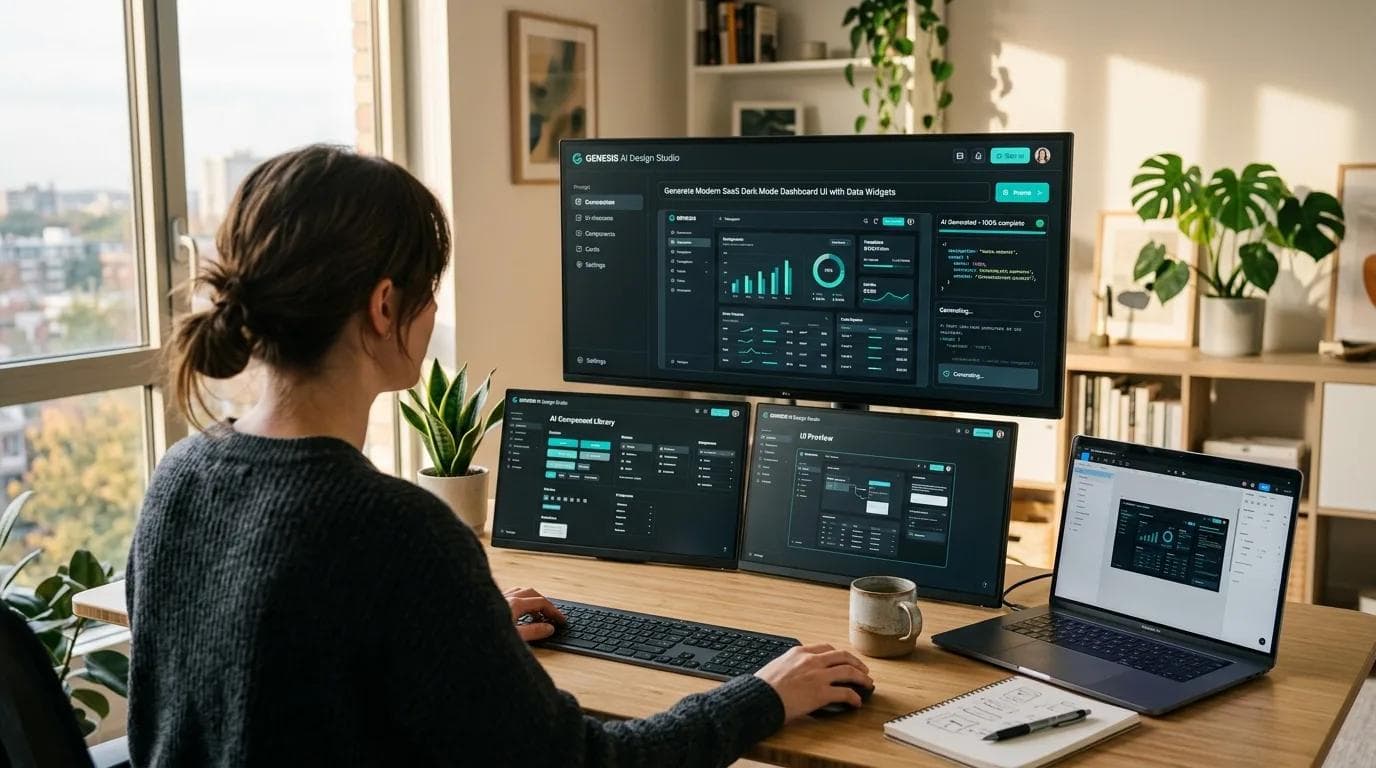
Two years ago, 'AI in design' meant smart autocomplete — a faster way to place a button or write placeholder copy. In 2026 it means agents: systems that take a written brief, produce a design, build the code, and ship the result to a URL. The designer's job is moving from 'make the thing' to 'direct the agent and curate the output.' We put one of them through a full build — see our hands-on with AuraChat, from prompt to production-ready UI.
What changed: from tools to agents
The difference is single-step versus multi-step.
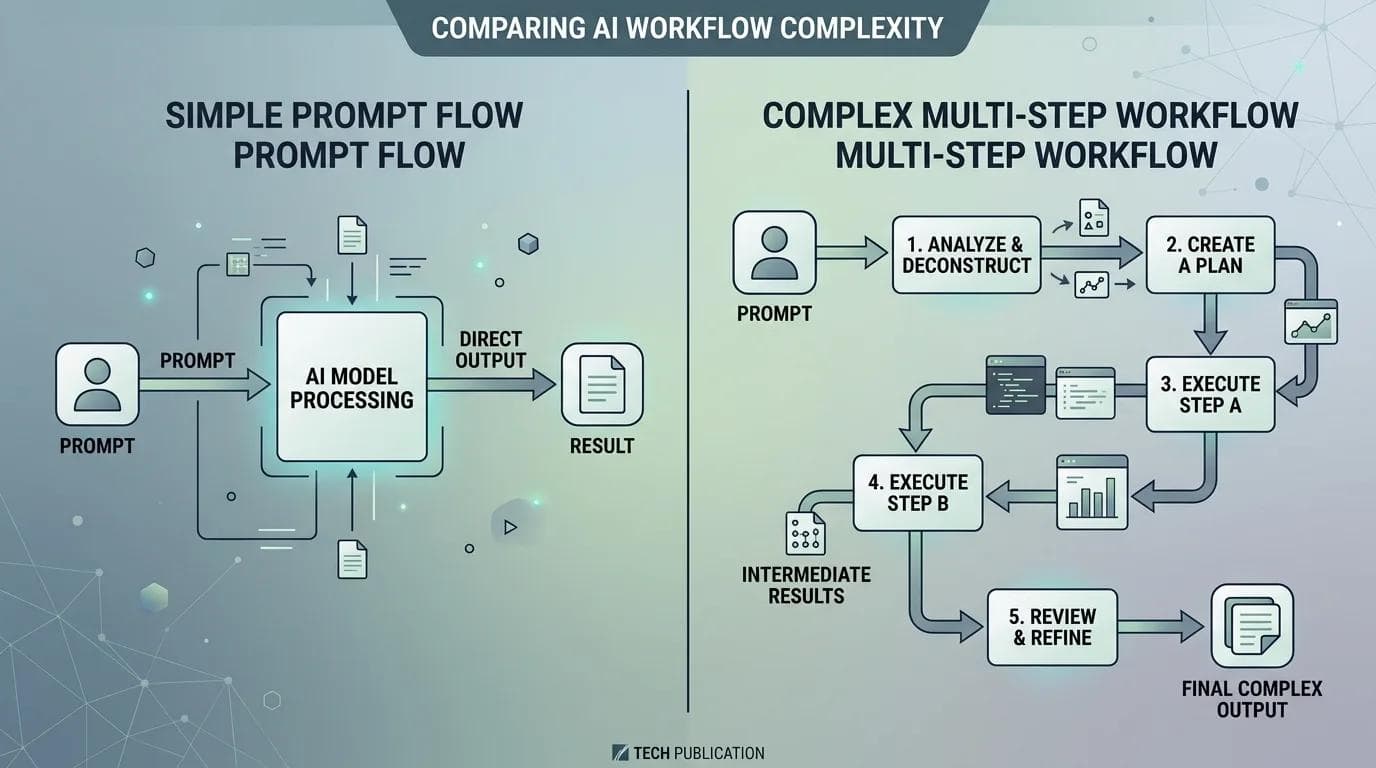
Tools (the 2024 era):
- You prompt — it returns — you move on
- Works at the 'suggestion' level, not the 'task' level
- Examples: Figma AI, Photoshop Generative Fill, raw Midjourney
Agents (the 2026 era):
- You give a goal, not a prompt
- Agent plans, executes, and corrects across multiple steps
- Handles design, code, state, and deployment as one workflow
- Examples: v0, Bolt, Lovable, Aura, Figma Make, Framer AI
The six agents in production right now
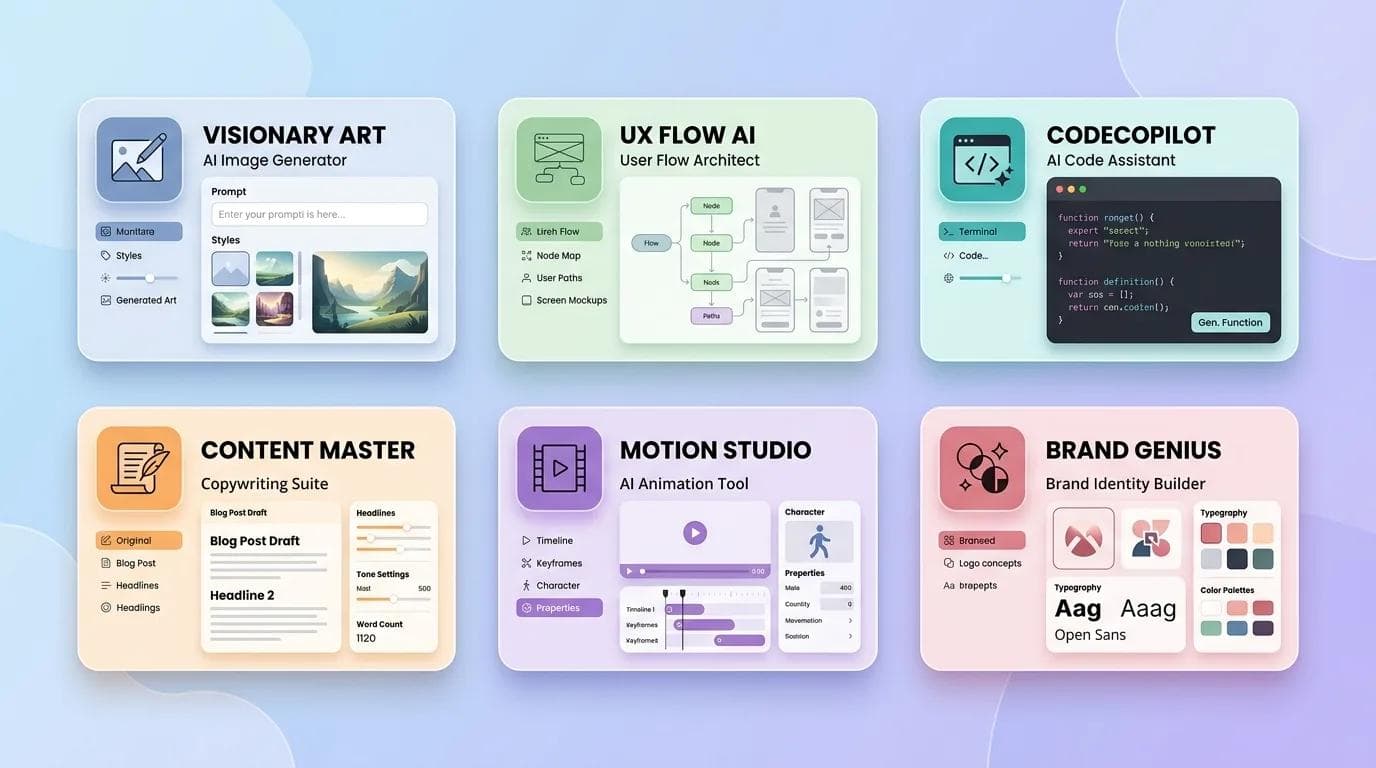
Not all 'agents' are equally agentic. These six are doing actual client-facing work in 2026:
1. v0 (Vercel)
The originator. Prompt → React + Tailwind component → one-click deploy. Strong for marketing pages, weak for stateful logic. shadcn/ui integration makes outputs look polished out of the box.
2. Bolt.new (StackBlitz)
Runs a full Node environment in the browser — the agent can install npm packages, run builds, and test before handing off. Ships more complete apps than v0 but requires more technical direction.
3. Lovable
The most accessible to non-developers. Produces full-stack apps (React + Supabase) with auth and one-click deploy. Great for founders validating MVPs, weaker for design-heavy marketing work.
4. Aura Chat
Design-first rather than code-first. Generates pixel-perfect UI with a visual canvas alongside Tailwind code, and round-trips cleanly with Figma. The default choice for designers who'd rather not think in React.
5. Figma Make
Figma's native agent. Works inside frames using your existing design system — respects your variables, components, and auto-layout rules. The killer feature is design-system awareness.
6. Framer AI
Tightly scoped to marketing sites and landing pages. Handles CMS, SEO, and animations in one flow. For teams already in Framer, the shortest path from brief to launched URL.
A real workflow: brief to production in 45 minutes
Last month we shipped a product-launch landing page for a client — seven sections, lead form, Mailchimp integration.
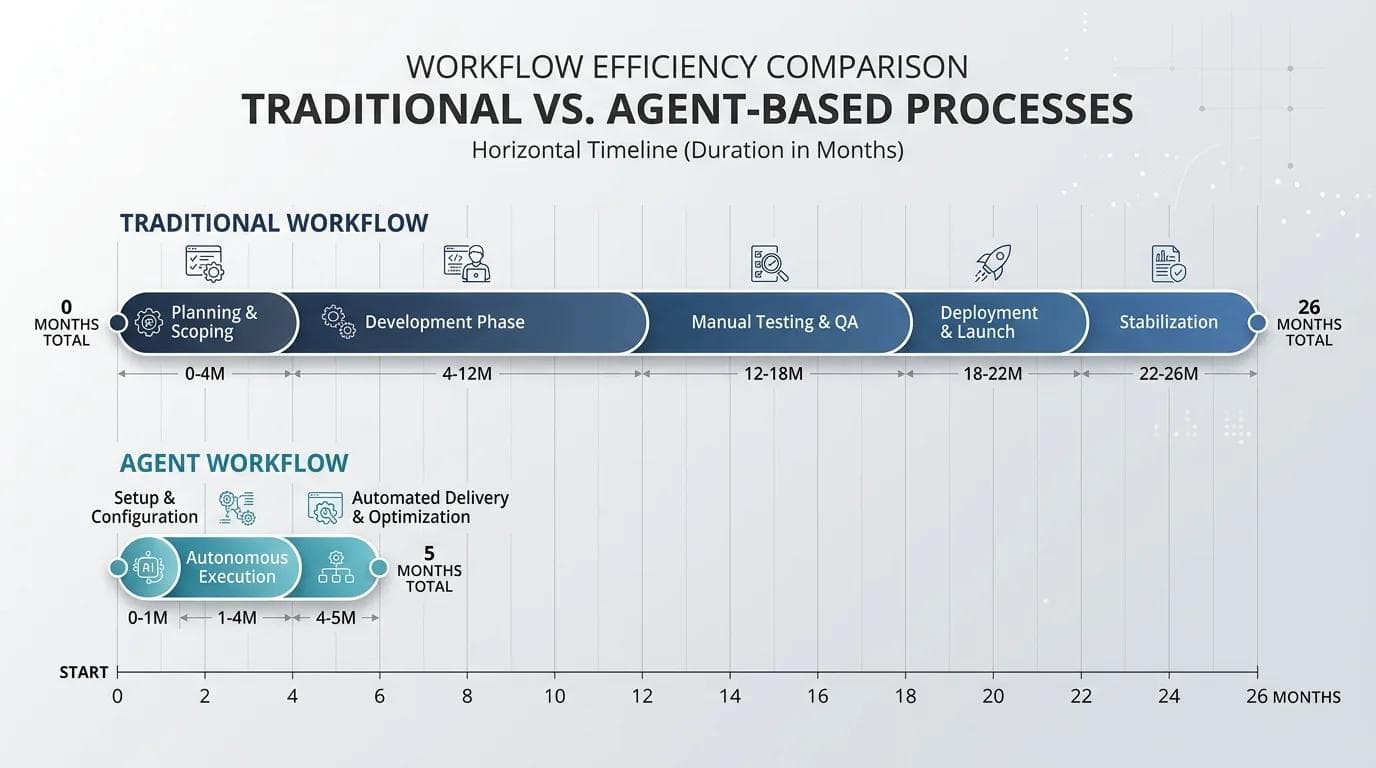
The old pipeline (8–12 hours):
- Design in Figma — 2 to 4 hours
- Dev handoff — 30 minutes
- Build in Next.js — 4 to 6 hours
- QA and polish — 2 hours
The agent pipeline (45 minutes):
- Figma Make generates three hero variants from the brief and brand library — 15 minutes
- v0 converts the selected design to Next.js + Tailwind with scroll animations — 3 minutes of gen, 15 minutes of refinement
- Mailchimp form wired up — 5 minutes
- One-click deploy to staging for client review — seconds
The design-dev handoff is disappearing
The most interesting consequence isn't speed — it's that the old division of labor between design and engineering is collapsing. If an agent can go from design to code without a human handoff, the person directing the agent needs to understand both.
What's emerging:
- 'Product engineer' and 'design engineer' are becoming default titles
- Designers we hire now have some code fluency
- Engineers we hire now have some design sensibility
- 'Pure specialist' roles are shrinking at small and mid-sized teams
Where agents still struggle
Being honest about limitations matters. Agents in 2026 are unreliable at several things human designers do almost automatically:
- Accessibility — outputs are WCAG-ish but rarely AA-compliant without correction
- Brand consistency across pages — Figma Make is best; the rest drift
- Edge cases — agents generate happy paths, but loading/empty/error states need humans
- Information hierarchy in dense pages — they flatten importance
- Copy that actually converts — agent-written copy reads like agent-written copy
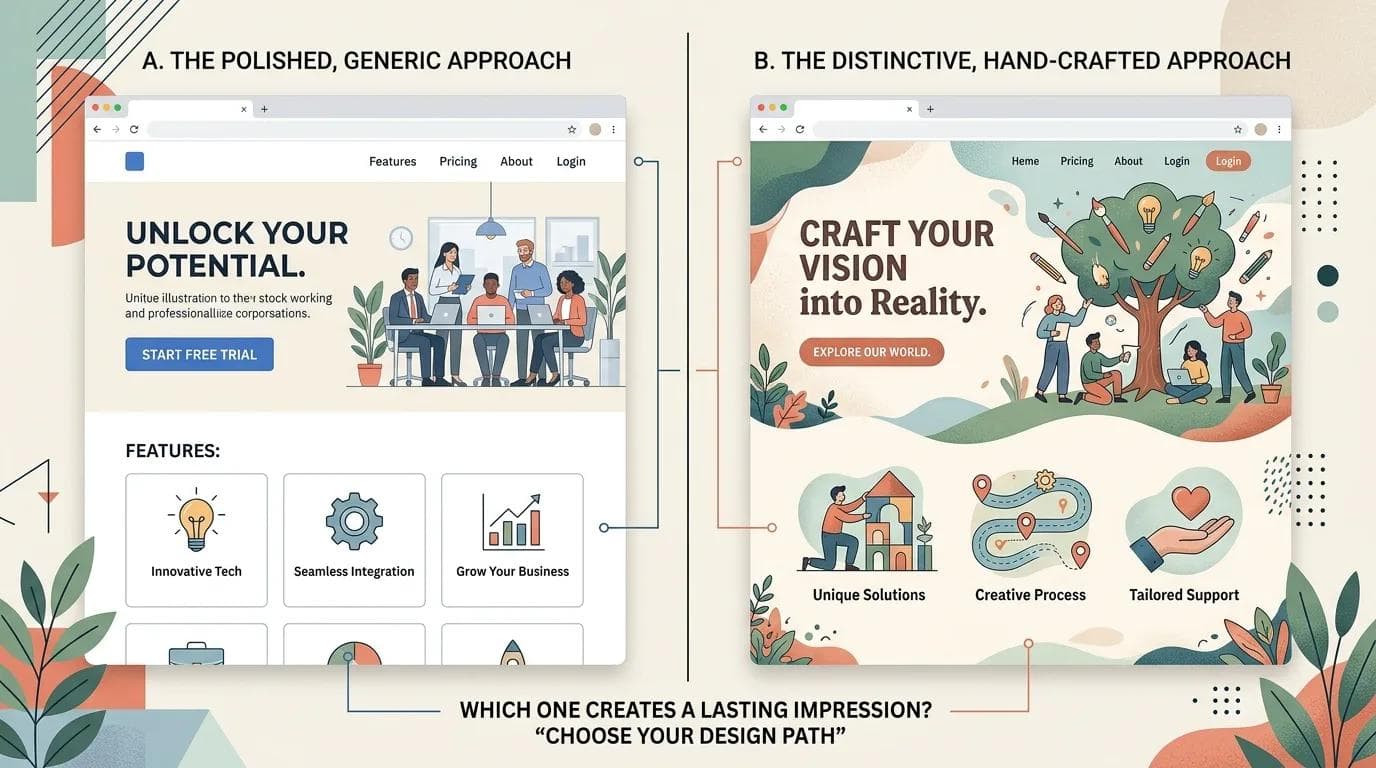
- Genuinely novel layouts — agents ship the median solution, not the breakthrough one
Skills designers need now
The role is shifting toward three specific skills:
- Prompt engineering as creative direction — describing outcomes precisely without over-specifying
- Systems thinking — understanding how tokens, components, and patterns compose
- Taste curation — looking at ten agent outputs and picking the best one, knowing why
AI expanded the number of plausible options. Taste is what cuts through them.
When NOT to use an agent
- Brand-defining work where the visual identity is the deliverable
- Complex stateful apps — multi-step wizards, real-time collaboration, permissions
- Accessibility-critical work requiring certainty, not probability
- Content where distinctiveness matters more than speed
The practical playbook for 2026
If you're just starting:
- Start with Figma Make inside your existing Figma workflow — smallest leap
- Add v0 or Aura for quick marketing pages
- For MVP validation or internal tools, skip to Lovable or Bolt
- Keep traditional Figma+code flow for brand work and complex apps
- Reassess in six months — the tools will have moved
The bigger picture
The jobs-apocalypse framing is wrong, but so is 'nothing changes.' What's changing is the ratio of time designers spend producing versus directing. Production goes down; direction, taste, and systems thinking go up.
The designers who thrive in 2026 treat AI agents like a talented but inexperienced team member — one who needs clear briefs, close review, and human judgment on the outputs. That's the job now.
If you're designing a product for 2026 launch and want a team that works this way, see how we build at socialscript.in/services/ui-ux-design. For the wider view of how AI is reshaping web design, including what it still can't replace, see our companion piece.